
How to use Board Undo
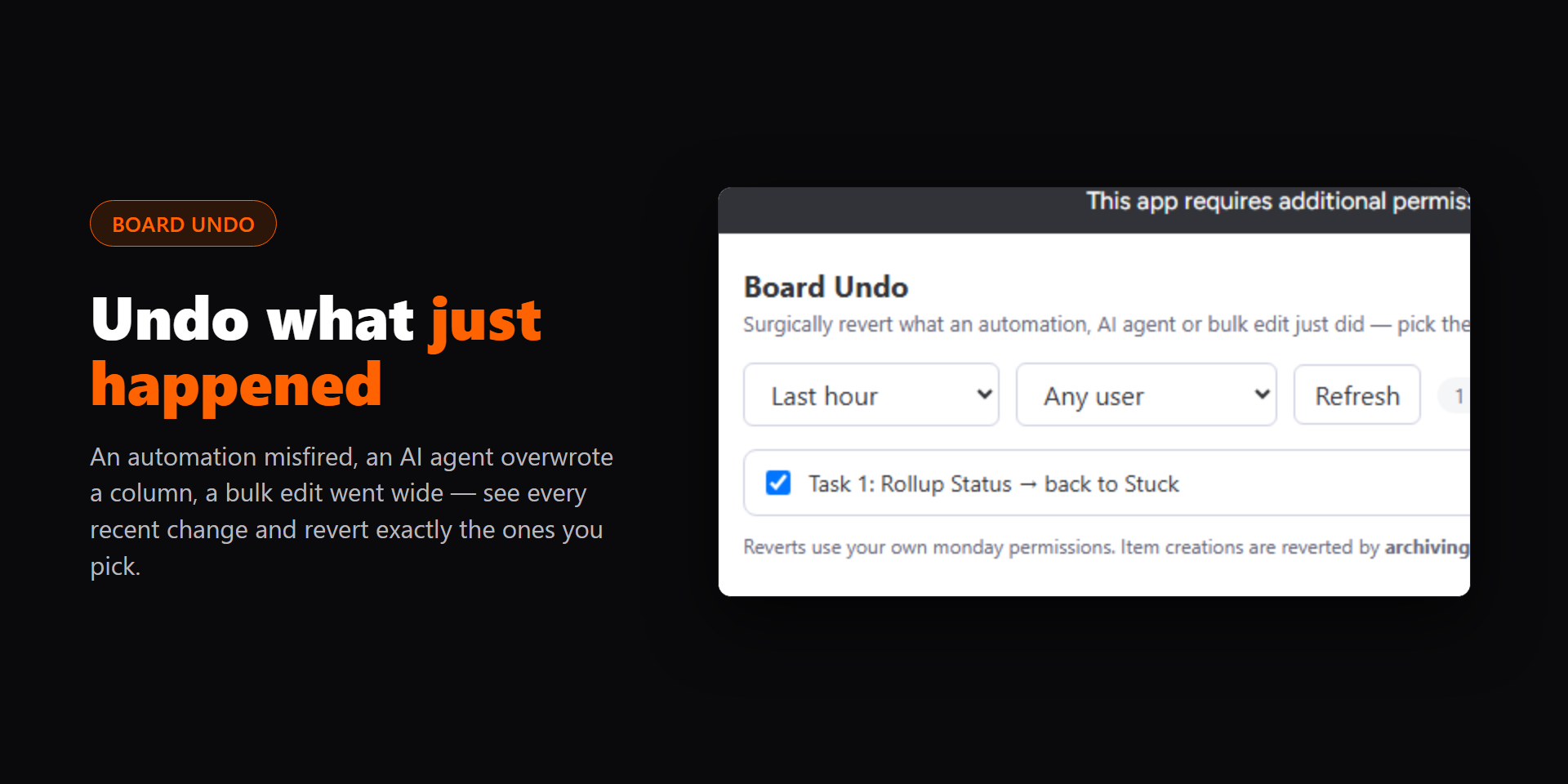
Revert what an automation, AI agent or bulk edit just did to a board, all at once.
What it is
Board Undo is a board view that lists what changed on a board recently and reverts the changes you pick, all at once. It is for anyone whose boards are edited by automations, integrations, AI agents or bulk edits, and who needs a clean way back when one goes wrong.
Installation
- Install Board Undo from the monday.com marketplace and approve its permissions.
- Open the board you want it on, click + next to the board’s views, choose Apps, and add Board Undo.
First-time use
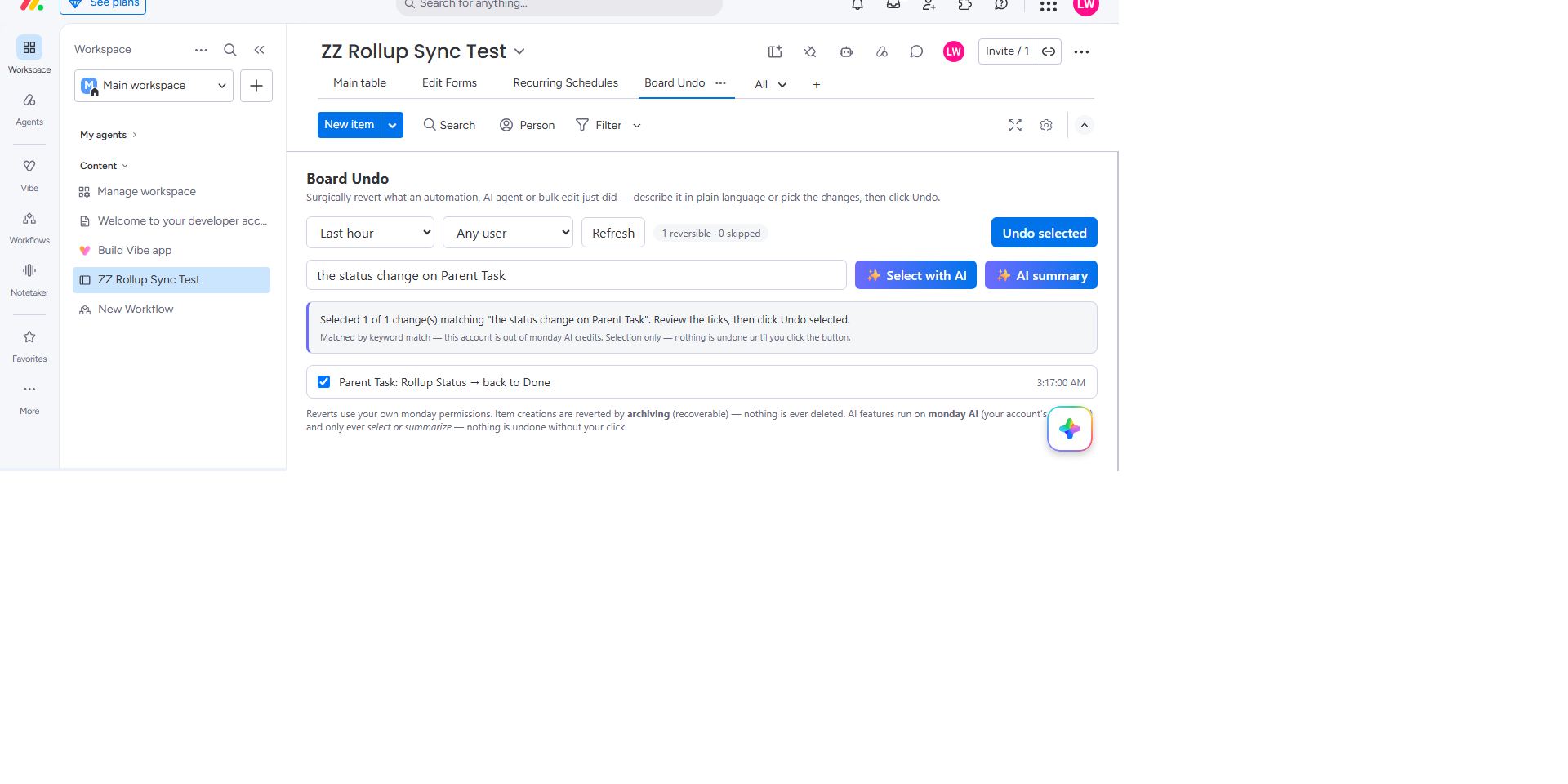
- See what changedThe view lists every change on the board and its subitems from the last hour, newest first, and updates by itself while it is open. Change the window (15 minutes up to 7 days) or pick one person to narrow it down. On a very busy board it shows the newest few thousand changes first, and Load older changes reads the rest of the window; more rows appear as you scroll.
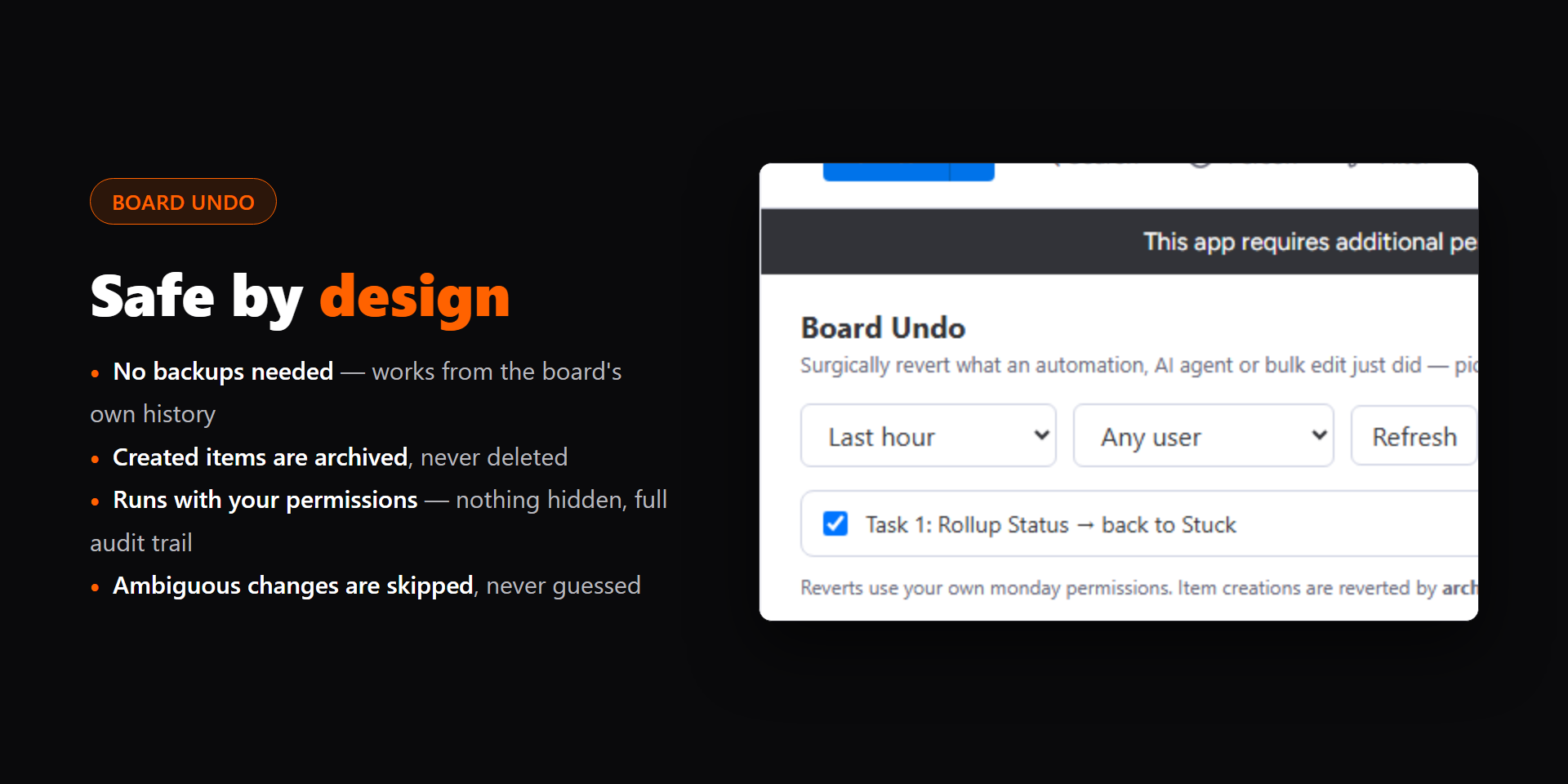
- Pick the changes to revertEdits start ticked. New items start unticked, because undoing them archives them. Untick what should stay, use Select all, or type a description such as “the status changes after 2pm” and click Select with AI. Changes Board Undo can’t revert, such as a deleted item, are listed with where to restore them in monday, and so are changes on an item that is now archived or in Trash.
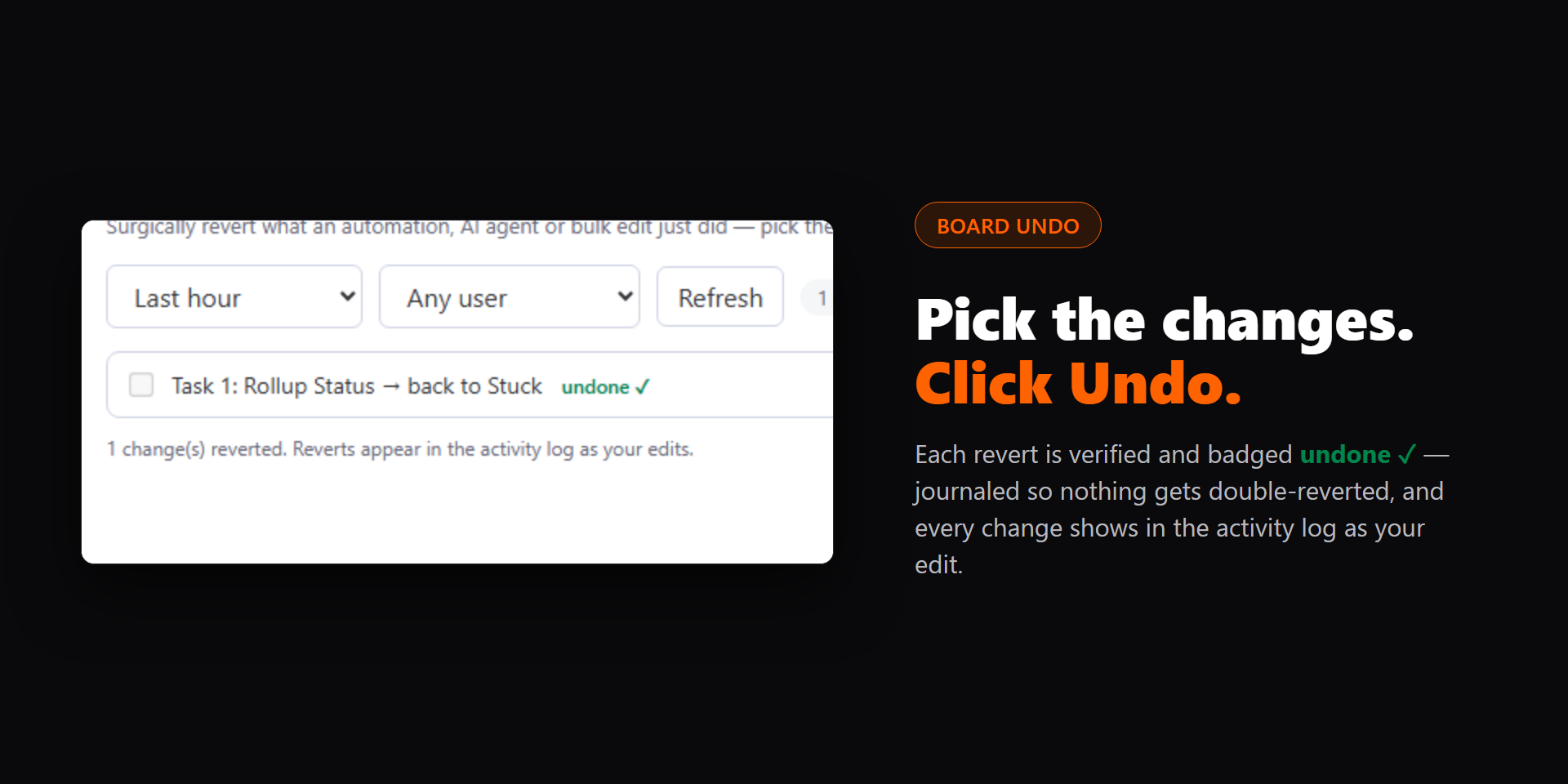
- Click Undo selectedConfirm the number of changes, and each ticked change is reverted with your own permissions. Progress shows as it goes, Stop ends a long undo after the current step, and every revert appears in the activity log under your name. If monday refuses a change, its row says why.
- Check the resultReverted rows are badged “undone” and locked. Clear history removes those badges if you ever want a clean slate.
What it adds to monday
- Board Undo (board view): The whole app: the change list, filters, AI selection, AI summary and the undo button.
Examples
- An automation set 60 items to Done by mistake: pick the window, tick its changes, click Undo selected.
- An AI agent renamed items overnight: filter to the agent’s changes and revert the renames.
- A bulk edit cleared a numbers column: revert every cleared value in one click.
Screenshots
Permissions it asks for
boards:readRead the board’s activity log to list recent changes, and the board’s members to show their names.boards:writeApply the reverts you confirm, as you, so each one appears in the activity log under your name.ai:consumeThe AI summary and plain-language selection use monday AI (run_prompt) with your session. Usage draws on your account’s own AI credits; there is no outside AI provider.
Help
Email [email protected] and I reply within 24 hours. Full details, including what is stored and why, are on the Board Undo page.
Board Undo is published by Builds By Luke, Canada. Privacy · Terms