How to use Automation Guard
Stop monday automations firing twice for the same event.
What it is
Automation Guard adds a “Block duplicate runs” step to monday Workflows. Put it straight after your trigger and it lets the first run through, then stops repeats of the same event inside the window you choose. It is for anyone whose automations send emails, create items or post updates that must only happen once.
Installation
- Install Automation Guard from the monday.com marketplace and approve its permissions.
- Open Workflows from the left menu, then create a new workflow or open an existing one.
First-time use
- Pick your triggerFor example: when Status changes to Sent.
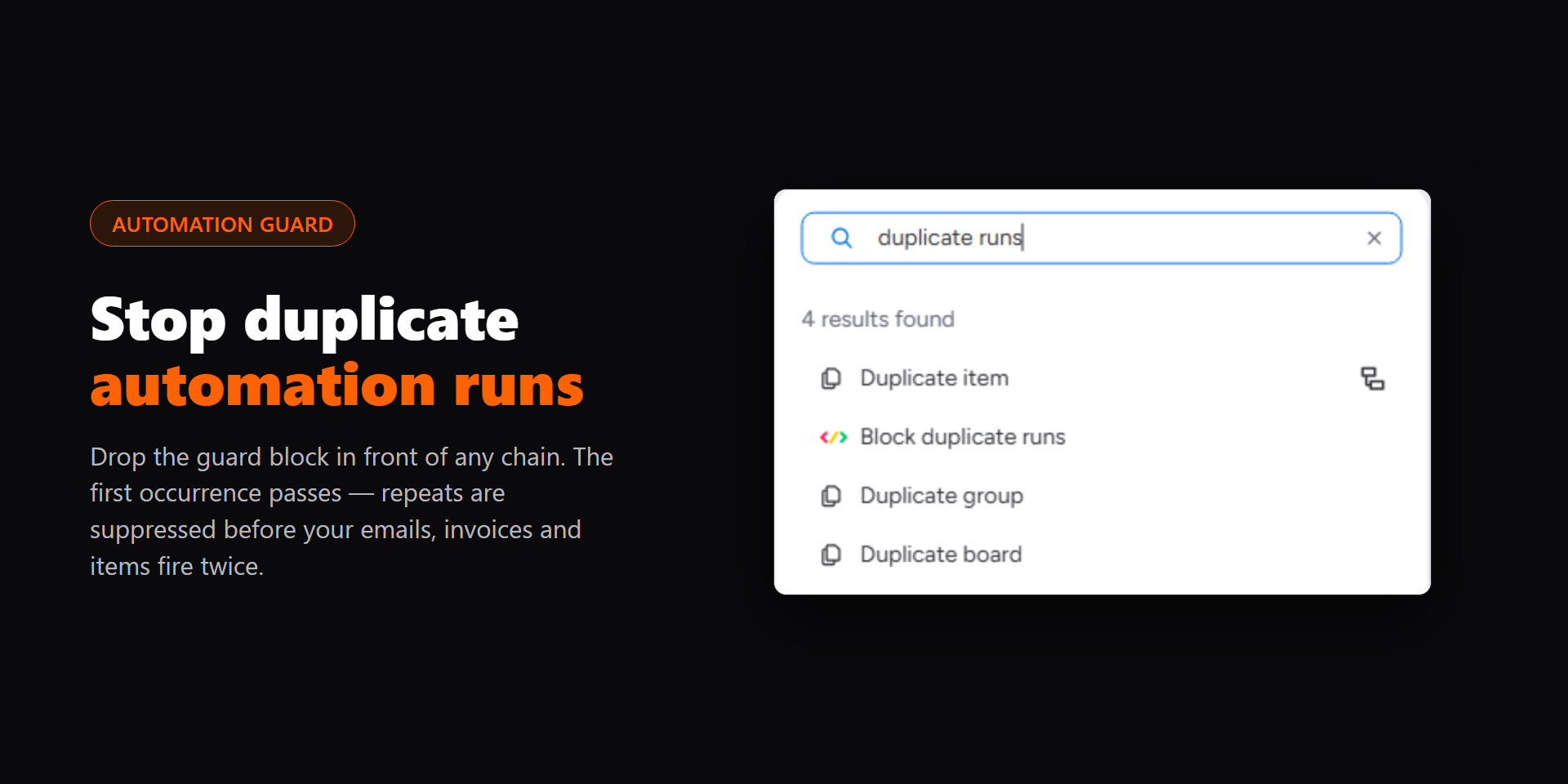
- Add “Block duplicate runs” as the first stepClick + after the trigger, search for “Block duplicate runs” and add it. The Board and Item fields fill themselves from the trigger.
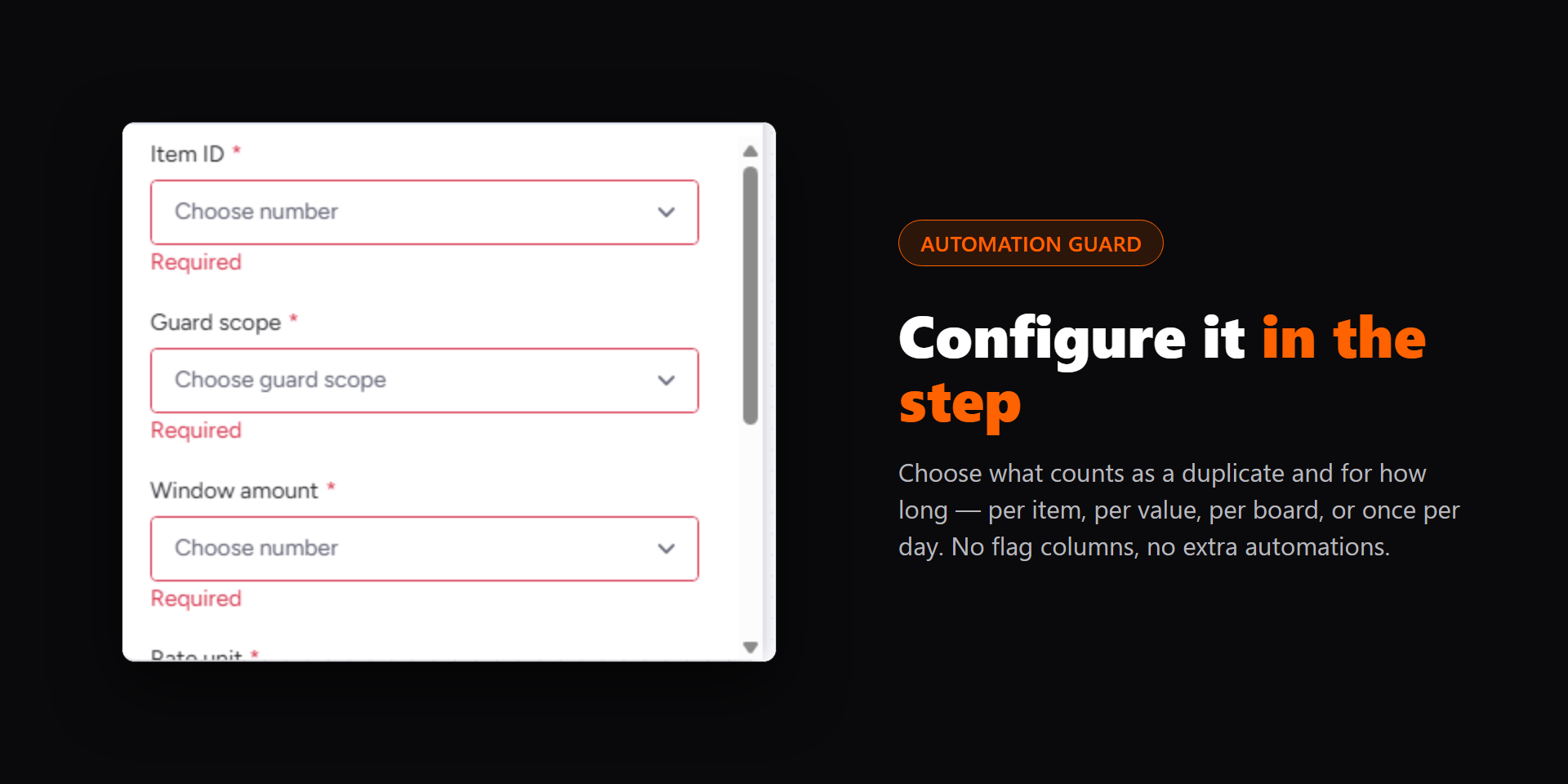
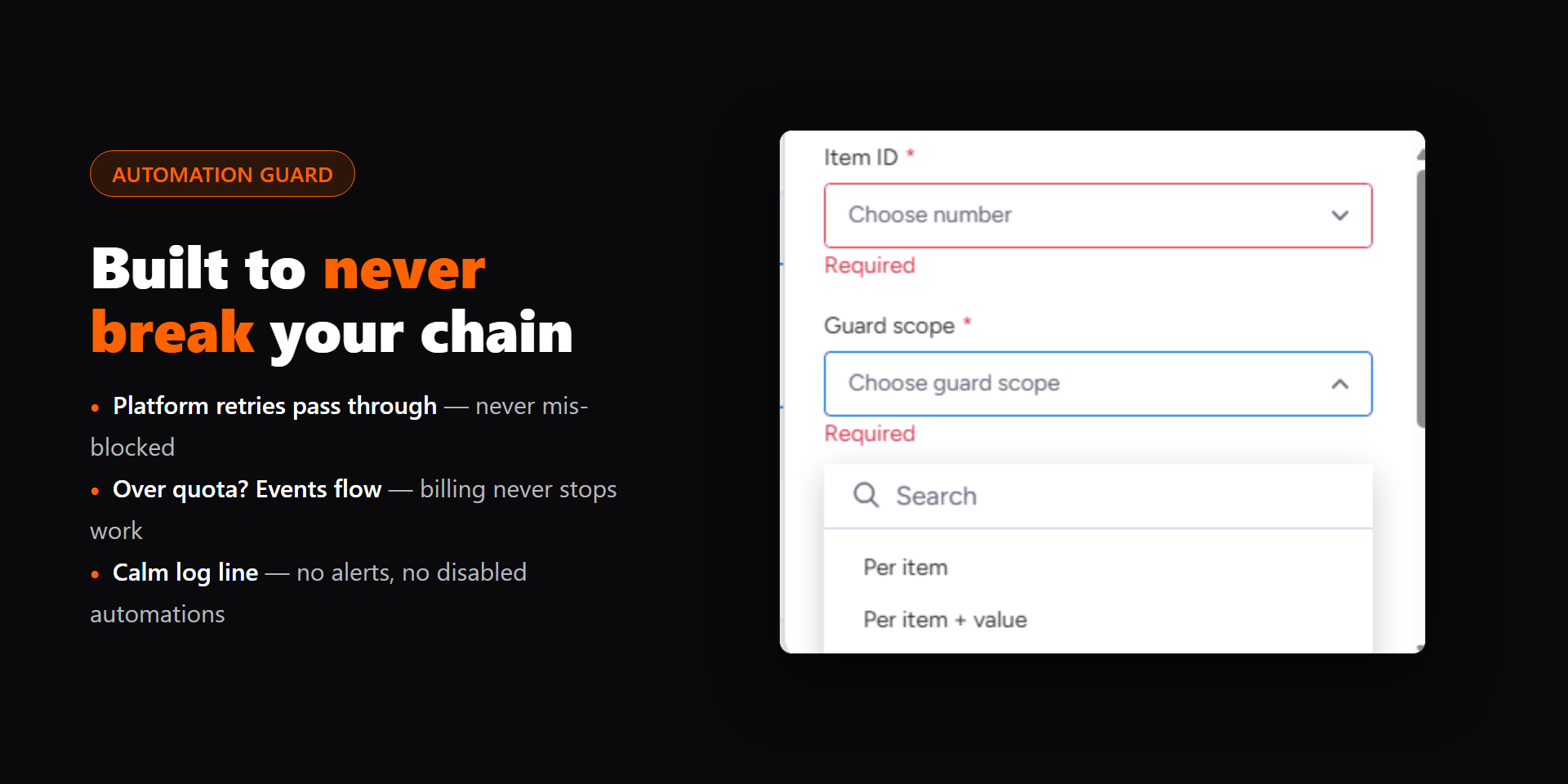
- Choose the scope and the windowGuard scope decides what counts as the same event: per item, per item and value, per board and value, or once per item per day. Window amount and Rate unit decide how long the memory lasts.
- Add your real actions after itSend an email, create an item, post an update: anything after the guard only runs on the first occurrence inside the window.
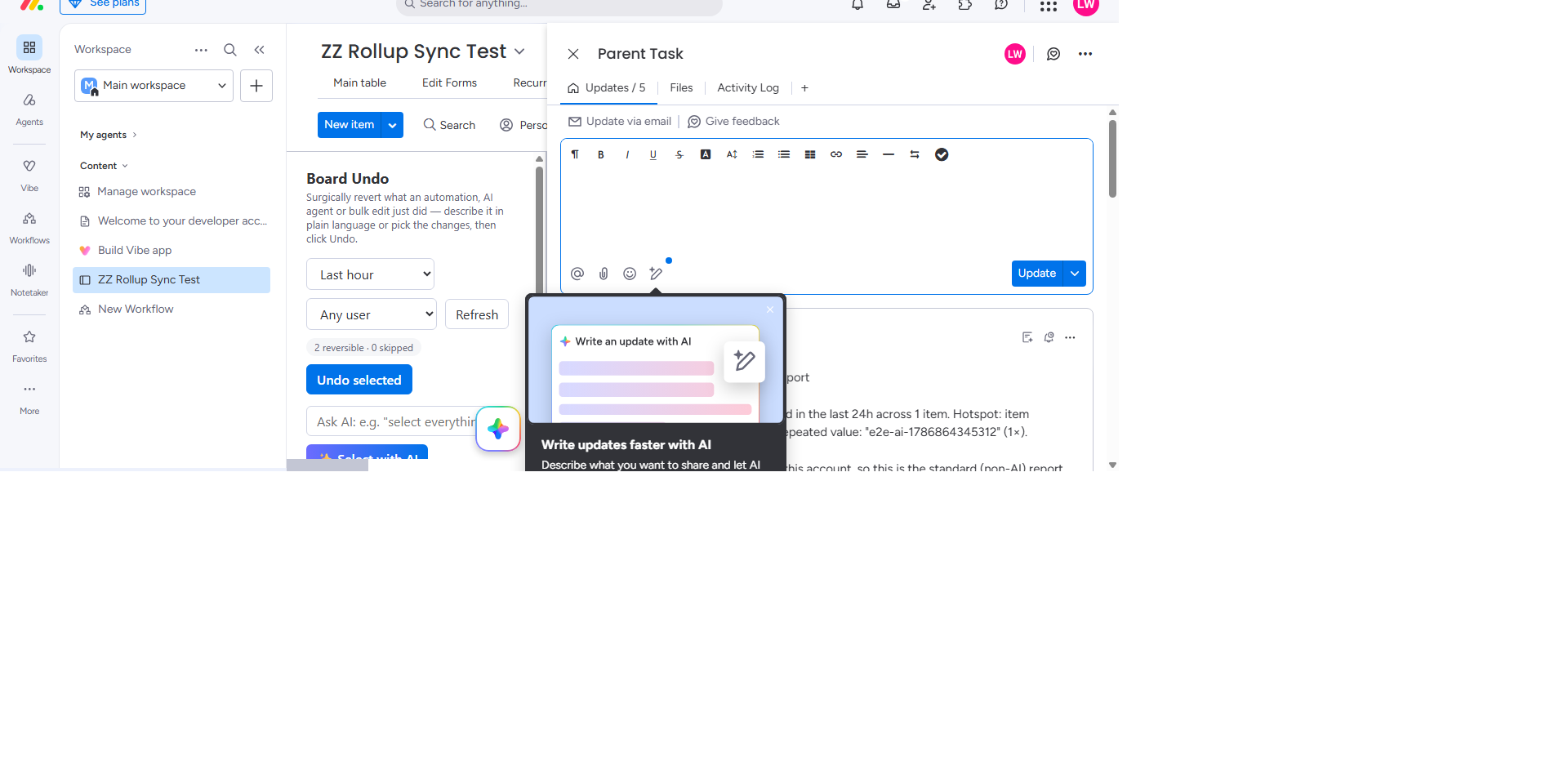
- Optional: add “Post AI duplicate report”Posts a short summary of what was blocked to the item, written by monday AI with your account’s AI credits, or a standard summary if AI is unavailable.
What it adds to monday
- Block duplicate runs: Workflow step that lets the first run through and stops repeats inside your window.
- Post AI duplicate report: Workflow step that posts a summary of blocked repeats as an update on the item.
- Automation Guard insights: Sidekick skill: ask monday Sidekick what the guard blocked recently.
Examples
- Invoices: send the invoice email once when Status becomes Sent, even if someone flips the status back and forth.
- Onboarding: create the onboarding item once per new client, even when the status is selected again.
- Integrations: ignore a webhook that fires twice for the same record.
Watch it work
Screenshots
Permissions it asks for
updates:writePost the duplicate report as an update on the item, when you add the report step.ai:consumeWrite the duplicate report with monday AI (run_prompt). Usage draws on your account’s own monday AI credits; there is no outside AI provider and no developer key.
Help
Email [email protected] and I reply within 24 hours. Full details, including what is stored and why, are on the Automation Guard page.
Automation Guard is published by Builds By Luke, Canada. Privacy · Terms